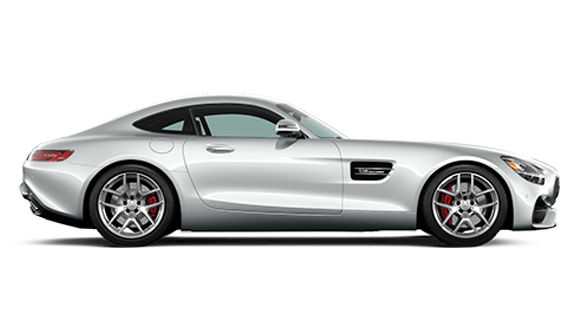
All of the connected features of the Mercedes-Benz App that you have been accessing via your smartphone are now also available on the Apple Watch. This will make it easier and more convenient for Mercedes-Benz owners throughout the Rancho Cucamonga and Fontana areas to interact with their vehicles remotely.
In this guide from Mercedes-Benz of Ontario, we will explain how the Mercedes-Benz App works on an Apple Watch and walk you through the setup process. If you require any assistance, please feel free to call us at (909) 212-8400. Our team will be happy to help ensure that you have full access to the Mercedes-Benz App on your Apple Watch.
The Mercedes-Benz App on Apple Watch seamlessly connects you to your vehicle, giving you access to features and functions* such as:
The Mercedes-Benz App on Apple Watch can also provide Chino and Corona drivers like you with live traffic updates, service reminders, and even allow you to schedule your next service at Mercedes-Benz of Ontario.
Are you ready to set up the Mercedes-Benz App on your Apple Watch? The process is very simple as long as you are running the latest version of the application’s software. Just follow the steps below:
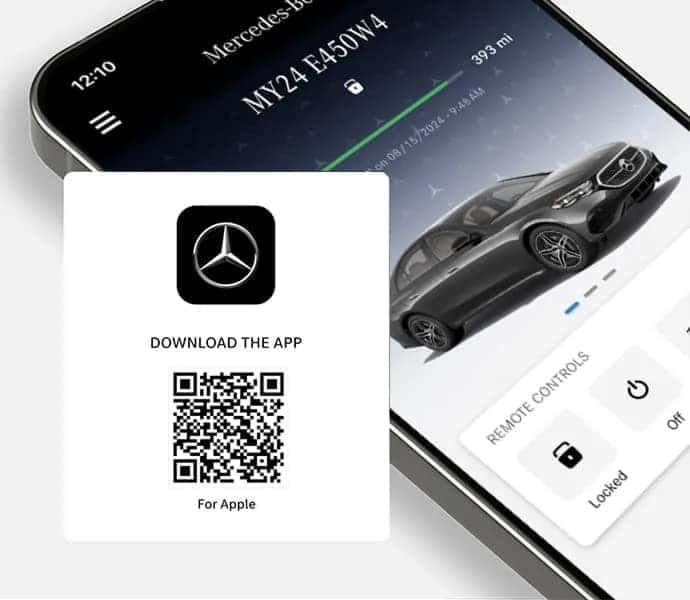
If you need any help setting up or accessing the Mercedes-Benz App on your Apple Watch, please contact us. Our in-house Mercedes-Benz experts can assist you and answer any questions you may have regarding the Mercedes-Benz App, as well as other Mercedes-Benz technology features, including:
The vehicles in the new Mercedes-Benz inventory at Mercedes-Benz of Ontario come loaded with state-of-the-art tech features that will add comfort, connectivity, and safety to your Inland Empire commute. If you’d like to experience all that the new Mercedes-Benz lineup has to offer, visit our dealership in Ontario today.


Chat online with our Team Members to assist you with all your automotive needs.


Speak with one of our Team Members to learn more about car buying options.


Provide us with your best email or phone number, and we’ll reach out to you!
Our dedicated team is eager to support you on your Mercedes-Benz journey.

*The availability of certain features in the Mercedes-Benz App on Apple Watch is dependent on the vehicle's model and equipment. Features such as Navigation and EV-specific functions may only be available on eligible vehicles. The Mercedes Benz Mobile App is also required, and available for 2019 and newer models. For more details on feature compatibility, please refer to your vehicle's specifications.