
























How to Check Your Tires’ Age
We understand checking the age of your tire is probably not at the top of your to-do list, but here’s why it should be and an easy way to find out how old your tires are.
Think of your tires like a rubber band. Over time, rubber degrades and once they’ve lost their spring and elasticity, they become brittle and fall apart. All tires have an expiration date and whether you’ve used them on your everyday commute in the Inland Empire or sitting in your garage untouched, you should know when to replace them.
When Should You Replace Your Tires?
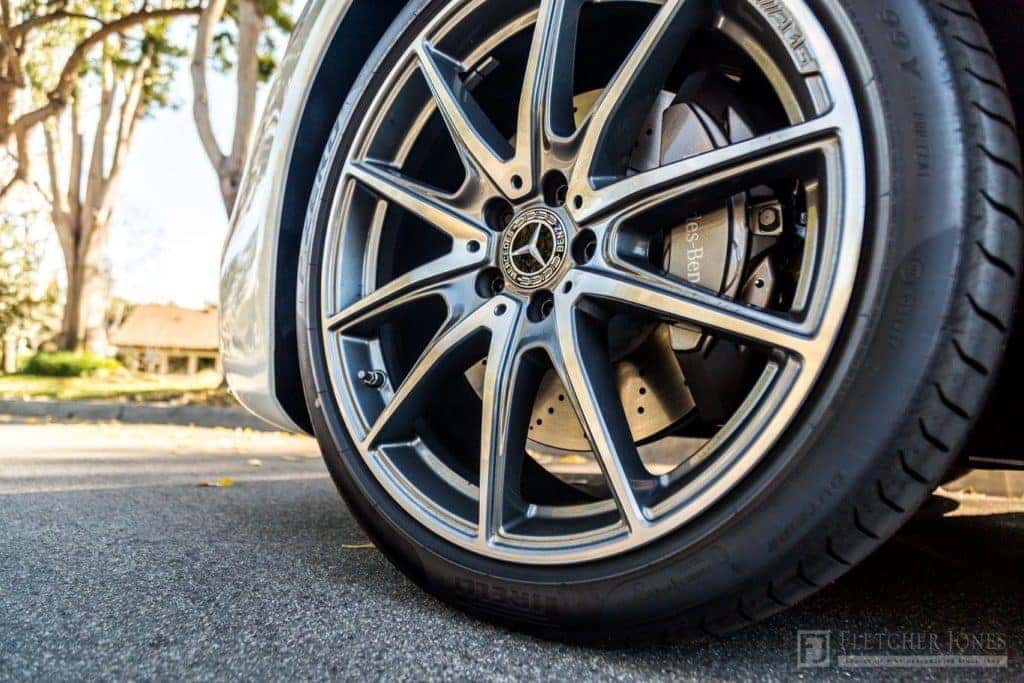
Mercedes-Benz recommends your tires not to exceed an age limit of 6 years and be replaced regardless of tread wear. Driving with tires that are six years can become a safety hazard because they are at a higher risk of tread separation and sidewall bulges. Don’t forget about your spare!
How To Check Your Tires’ Age
Finding the age of your Mercedes-Benz tires is easy. Simply look for the Department of Transportation (DOT) ID number located on the sidewall of your tire. The last 4 digits of the DOT ID number tell you how old your tire is. It should look similar to something like this:
DOT MA L9 ABC®D 0918
Need help finding your DOT number or have questions? Ask Jon, our tire guy at Mercedes-Benz of Ontario. And be sure to ask him about our Price Match Guarantee!
For more service tips, be sure to follow the Mercedes-Benz of Ontario Facebook Page.








0 comment(s) so far on How to Check Your Tires’ Age