To Proceed: 1) Ensure Bluetooth® technology is activated on your mobile phone and 2) on the MBUX Multimedia System in your Mercedes-EQ vehicle.
Turn on your Mercedes-EQ vehicle.

Press the “Home” button on the multimedia screen.
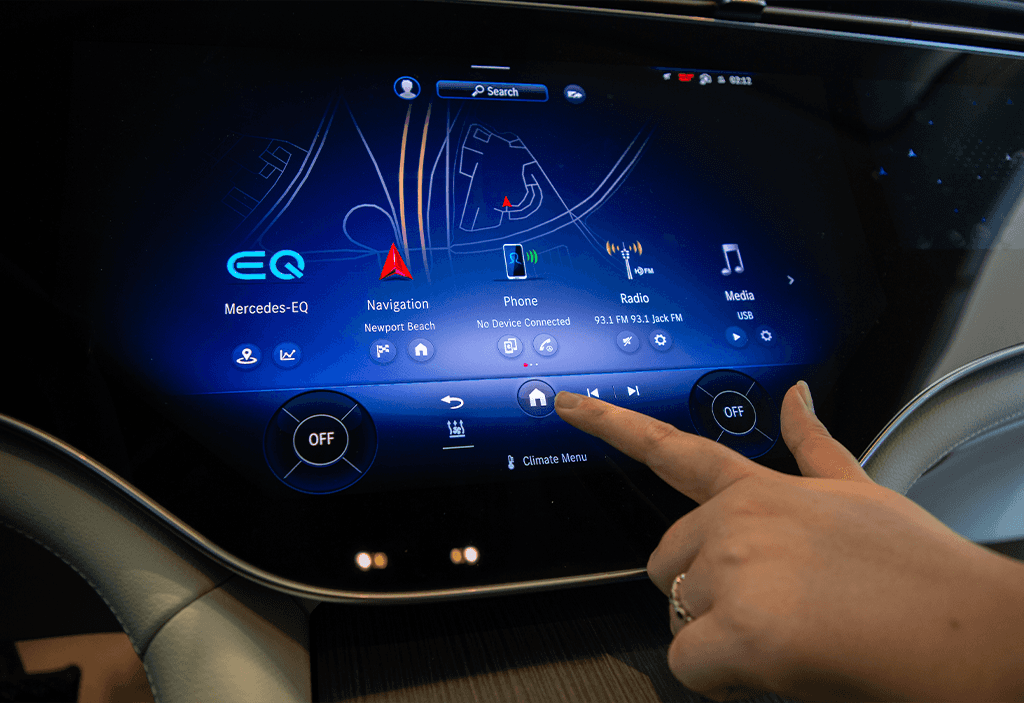
Select the “Phone” option.
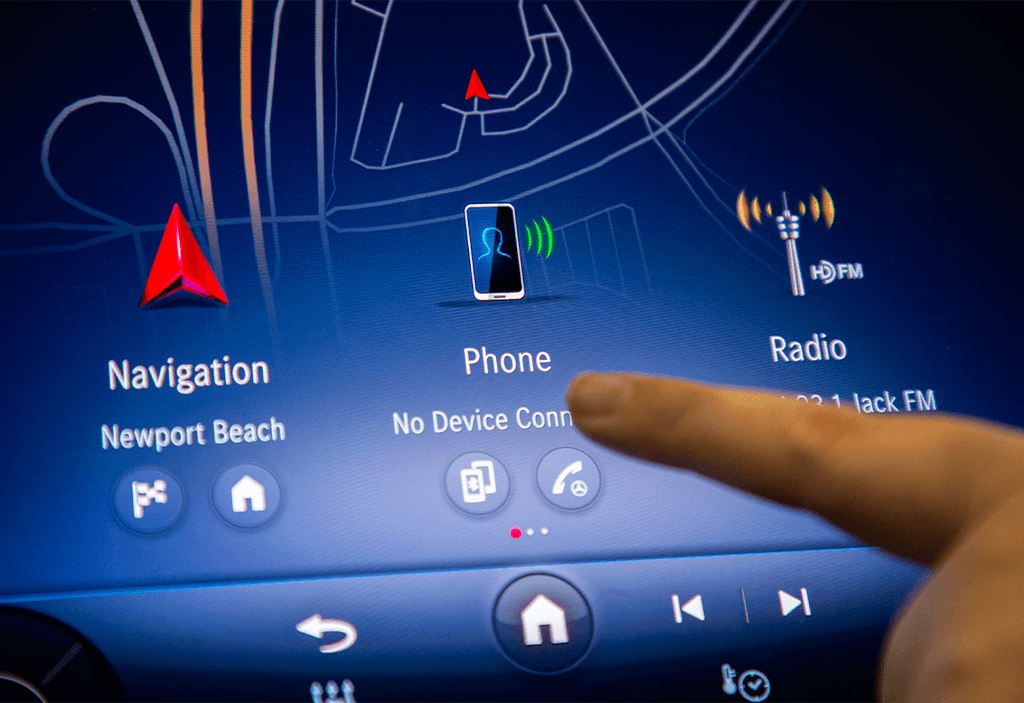
Choose “Connect Device”.

Your phone will display on the “Connect New Device” Screen.
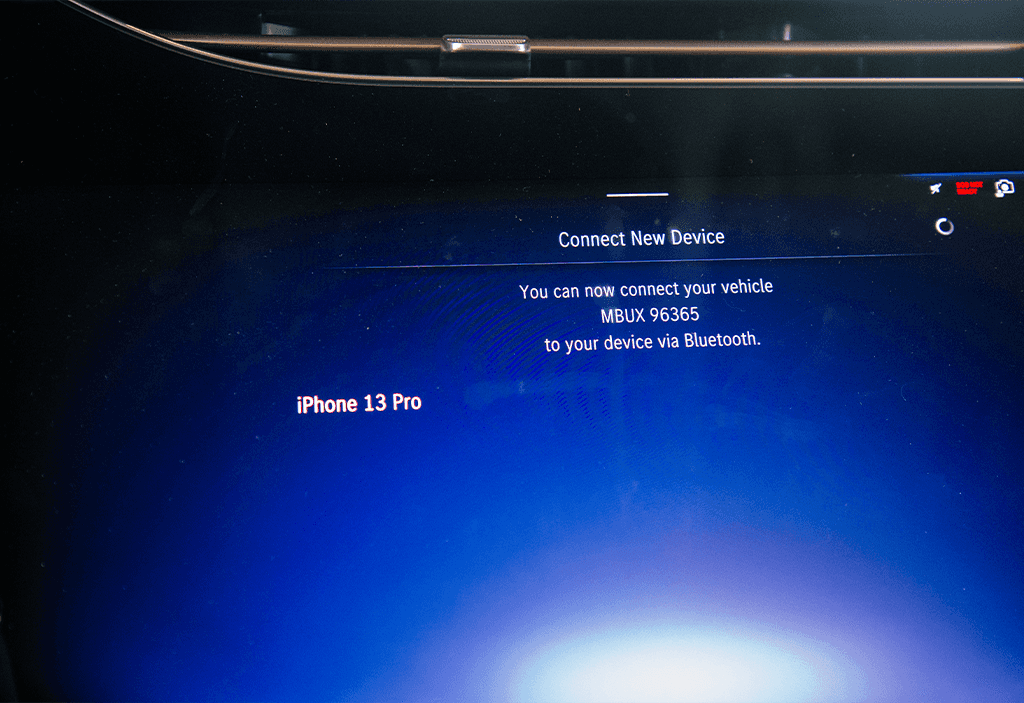
A code will display on both the MBUX multimedia system and on your mobile device.
If the codes match, confirm the code on your mobile device.

Your mobile device is now connected to Bluetooth® in your Mercedes-EQ vehicle.