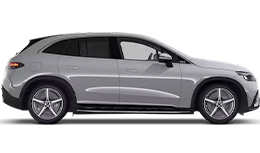
To Proceed: 1) Ensure Bluetooth® technology is activated on your mobile phone and 2) on the MBUX Multimedia System in your Mercedes-EQ vehicle.
Turn on your Mercedes-EQ vehicle.

Locate the talking-person button on the right hand side of the Mercedes Benz logo on your steering wheel.
Press the talking-person button.

Look at the center screen. There will be a blue line, signaling that the MBUX Voice Assistant is activated.
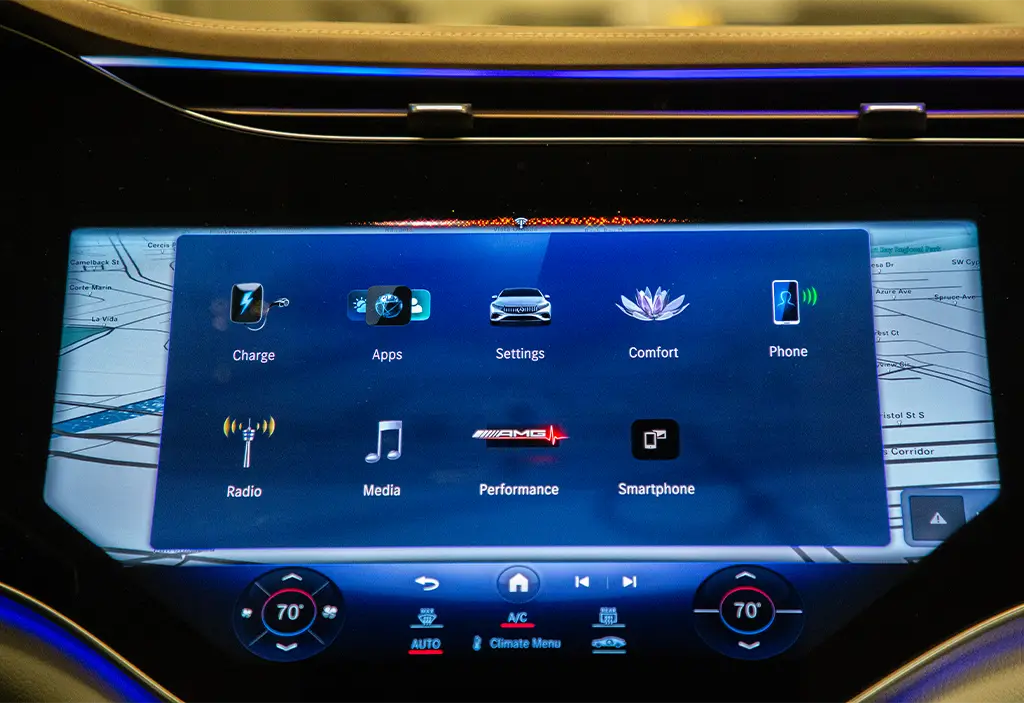
You may start your dialog with the MBUX Voice Assistant.
You can also start MBUX Voice Assistant By:
Say, “Hey Mercedes”.